Record the fare.
Choose a configured fare and payment method. On an authorized shift, records can be stored locally and queued while offline.
Phone-first · offline queue
The receipt book in your conductor’s bag, replaced. Conductor-issued tickets, offline-capable fare records and a shift handover for bus owners serving cities, towns and villages. Start with one route; check the fit before expanding.
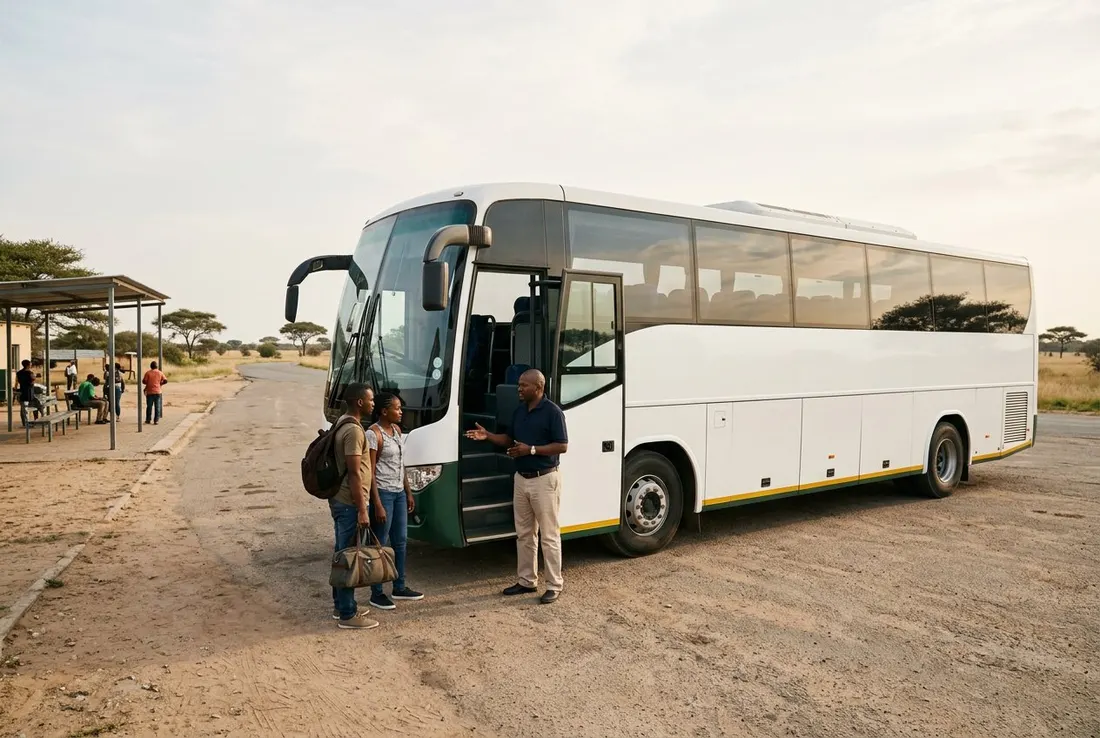
Built with larger bus fleets in mind: owners can bring configured vehicles, route assignments and shift records into one view. Local, regional and village-serving operations matter—not only long-distance coach services. The same conductor workflow can also suit minibuses.
One connected record, with clear boundaries around what the system does—and what it doesn’t.
On an authorized shift, records save on the device first and sync when the connection returns.
Choose a configured fare and payment method. On an authorized shift, records can be stored locally and queued while offline.
Review shift totals, keep cash separate from recorded digital and waybill amounts, then capture the actual cash deposit.
See real company records in the authenticated operations view. Treat location or activity alerts as prompts for a conversation—not proof.
Good operations software should make the handover clearer for everyone—not just add another screen to check.

Review configured vehicles, route assignments, shift totals and cash close-outs in a company view. Start with one route, then validate how well the record fits your wider network.
Use one focused bus-and-route assignment per shift. Once authorized with valid fare data, records can be saved locally and synced when connectivity returns.
Look up a receipt with its secure reference. Optional rewards interest and marketing consent are separate from the fare record.
Show what is recorded, what is pending and what still needs a real-world check.
Demo figures and locations are illustrative. Production use requires a configured Supabase project, authorized company accounts, valid assignments and current tariff records.
Choose your fleet size, service pattern and first problem. Khaie will prepare a route- fit discussion brief; no lead form is secretly submitted.
This planner doesn’t submit or save your details. Review the outline before sharing it.
No. The public workspace is a demo using illustrative vehicles and transactions. The separate Live operations page stays gated until a Supabase project and authorized company accounts are configured.
The conductor app can store records locally for a previously authorized shift with valid cached assignment and fare data. It syncs when connectivity returns. If authorization or fare data is missing or expired, production logging stops.
No payment collection or settlement provider is integrated. The app can record a payment method; that record is not confirmation that money was received or settled.
The configured owner view can include multiple buses and route assignments; the public demo map is only an illustrative Gaborone snapshot. A conductor shift is currently tied to one authorized route code. Khaie does not yet capture each passenger’s boarding and alighting stops, stop-to-stop pricing, seat reservations or timetables, so confirm those needs before a fleet-wide rollout.
No. Khaie’s clearest initial focus is the fare-to-shift record and reconciliation workflow. Optional GPS positions are available in live operations when enabled, but this is not a telematics or predictive-maintenance system.
No. Demo fares are examples, not an approved tariff. A real operation must configure its own current, verified route permits and fare records before production logging.
Explore the demo, then use the pilot planner to shape a small, measurable test.